



The only thing more fun than signing in and out of multiple email accounts every day is the added challenge of proving to a variety of robots that I am human... a detail they remember for a day or two at best. This isn't the only reason why I switched from Google Apps for Work/G Suite/Google Workspace after all these years to Proton but it did weigh heavily.
First: Google drives, calendars, docs, mail – everything has to be weeded, backed up, and deleted – those things you wish to save like Google Docs need to be "shared" with an @gmail.com that is not part of your paid Google Workspace.
Most compelling reasons for me to switch? Google is too expensive and too annoying:
- Google Workspace is too expensive for what you get. For my two separate email accounts at separate domains, I needed two personalities, each with their own Workspaces and monthly fees. The basic amount of space feels very 2010.
- Google's AI features were impossible to turn off when they first launched. Google assumed we all wanted a digital office intern that was one Red Bull over the line.
- Google always wants you logged in to their basic, free vanilla account to track your every move... as a "Workspace" client, I didn't need that account. Still I was forever pestered, and when I finally logged in Gmail stopped defaulting to my Workspace account. Why?
Disclaimer: Some of these things might have had workarounds. Concocted aliases for other domains... perhaps some deeply embedded preference for a "default" account, but if you've ever tried to Google something about Google? It's a rabbit hole network with no bottom. It's not easy. It's not logical. Like everything Google, it can do "everything," but misses the obvious simple things.
What I really like about Proton:
- Proton mail is user-centric. I am considered one user, and can add multiple domain names to check under that user, each with their own signature files – it was easy and painless to set up. I feel whole again.
- Proton is about half the cost – or less of Google Workspace for my needs.
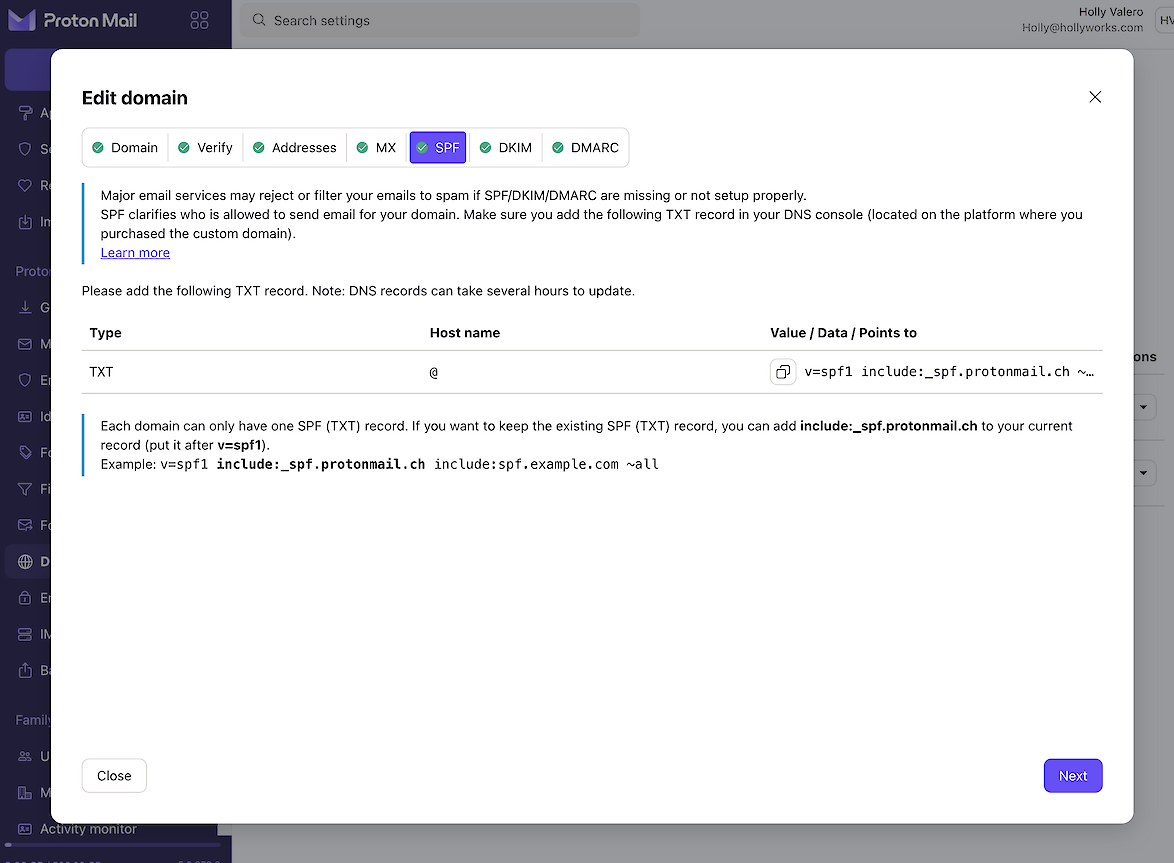
- Proton is the only service I've encountered in 25 years that said, "Hey, you need to add all these scary MX, SPF, DKIM, DMARC records to your domain to make email work – and here are the exact entries to copy and paste in." Done in under two minutes. I was gobsmacked.
- Proton's overall layout (classic nav left, window right) and settings are more logically placed and easy to get to so managing the account feels faster than Google's "click this tiny cog, then go to all settings, then find a tab, then scroll half a mile..." Google tends to over-explain, link to half a dozen caveats or conditional logic within the pages, but finding those controls? Google has decided to die on the hill of that tiny kebab menu and while no one else will say this? We all hate it:

- Security. Proton's basic security is super high. They also offer an even higher level security so if you are an international spy or assassin? You could probably use this instead of Signal to set up gigs... Proton Sentinel is for famous people, personalities, politicians – anyone at higher risk for evildoers. There is a ton of Dark Web Monitoring and other cool features in Proton like VPN connections that make me feel like I'm in a Mission Impossible film. It seems like more than I need, but given the world? Maybe not.
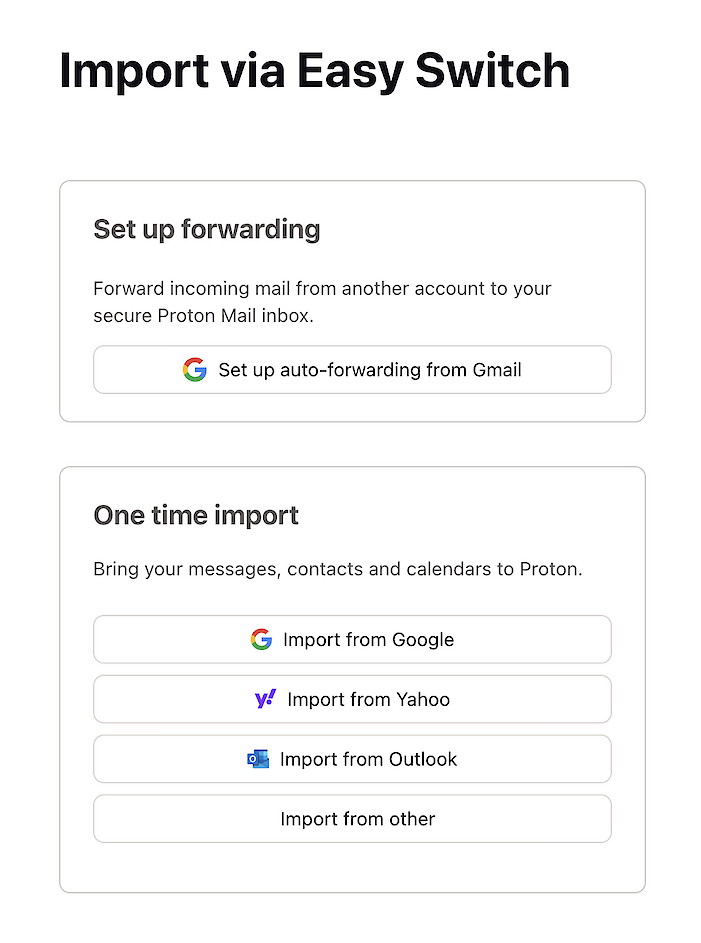
- Easy Switch -- the import tool -- was surprisingly easy and pretty fast with about three steps to migrate all my Google stuff while I had a cup of coffee. Impressive. And, it worked the first time. All of these tools come with really nice narratives like, "a window will pop up asking for your password – your computer password, not your Proton password." I appreciate the thought.
- Folders. How I have missed them. And color coded folders at that. Gone are the "threads" or whatever groovy term Google used. You can move them up and down in any order you like, or quickly alphabetize them. Nesting is three deep.
- Time to find "how the Hells" was pretty quick. When you switch email there's always a few things you encounter, thinking, "oh noooo!" like conversation grouping (you can turn it off) or undo send regret timers (up the time to 20 seconds) or integrating Zoom conferencing – so in very short order I was able to get my email world back to where I liked it, and didn't lose any feature.
- Calendar integration feels smarter. It sends me an email letting me know a meeting is scheduled in a few minutes. I prefer that to a screen pop up message since I get enough of those that they are easy to miss.
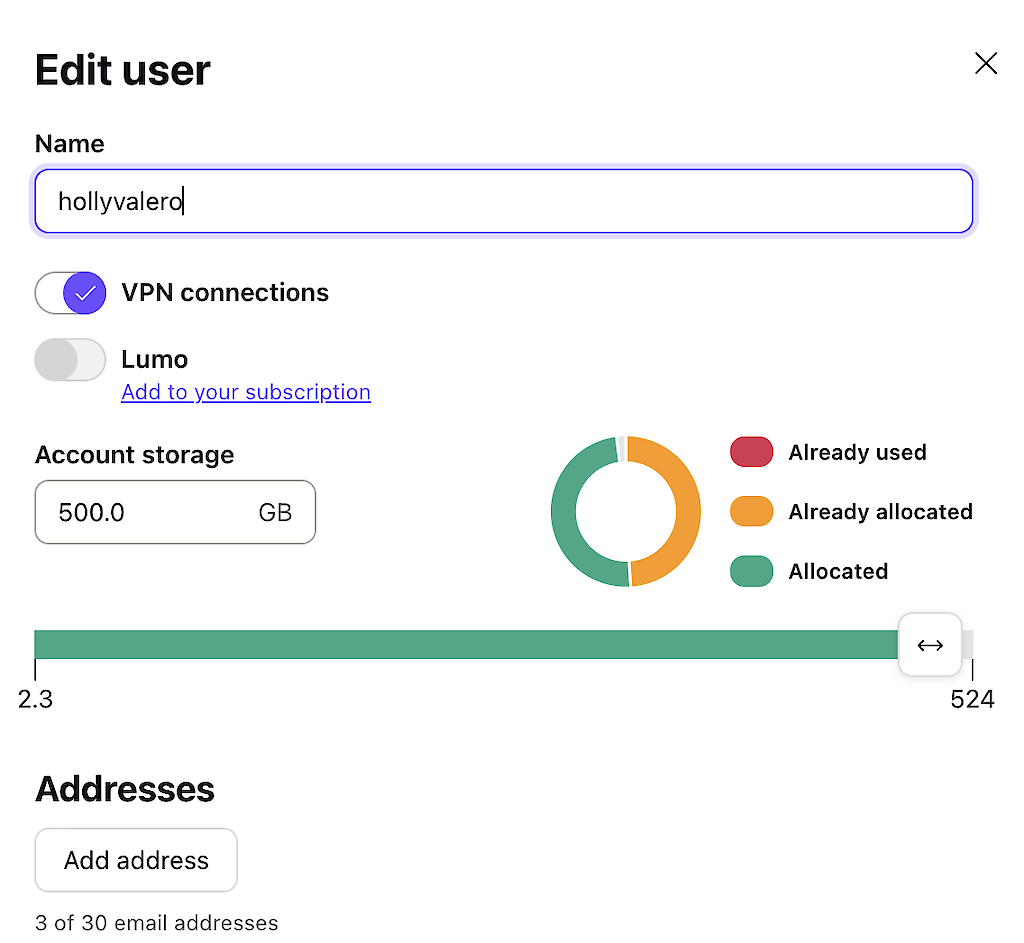
- Usage monitoring: You know how Google sends those occasional messages that you are about to run out of space? It takes about five minutes as an admin to make your way to the users, usage, etc. and then figure out who and what is causing the problem. Proton is two clicks. From the admin perspective, management is easier. You invite a user to your account using their vanilla, free Proton address, and once they accept – they manage all passwords, etc. which is how it should be. I am tired of being password Santa Claus.
What did I not like?
- It took me awhile to find where the contacts were with its wee icon, but may that's just me.