




Your web pages should shoot for 1 - 1.5mb total weight, including all images, scripts, and page elements – not an easy goal to hit. TinyPNG.com, Squoosh.app, and Compressor.io take only seconds to crunch your files.
Why bother?
- fat pages get less respect from Google,
- hosting fees increase as you max out your space,
- backing up your website becomes a much bigger job
- slow pages may never load on mobile
- your website is less accessible to everyone (and torture for low-vision visitors)
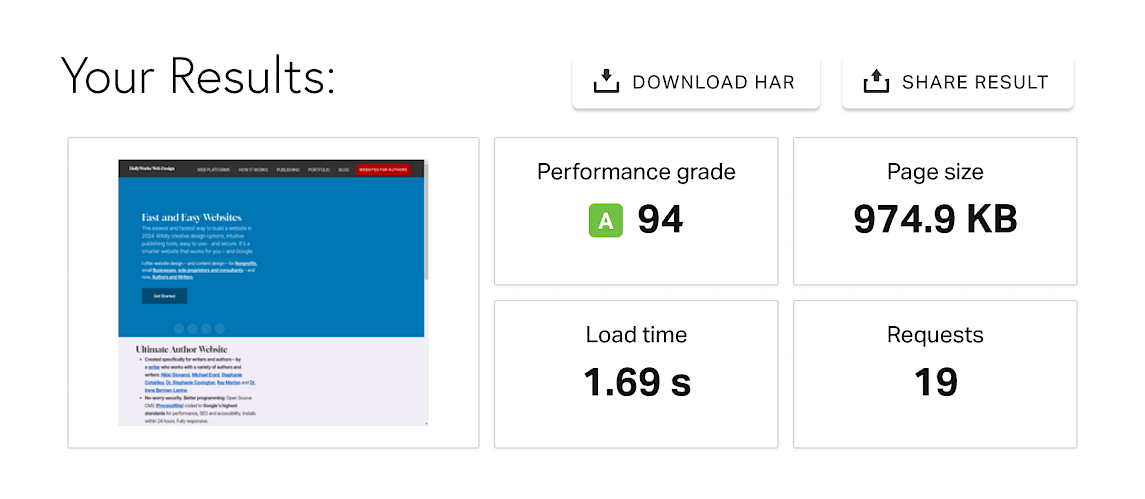
If you have no idea how big your web page is? Pop the URL into Pingdom's Website Speed Test for a quick overview of page requests, load time, etc.
Pingdom results for my home page (elements combined to reduce requests, on a shared commercial server)
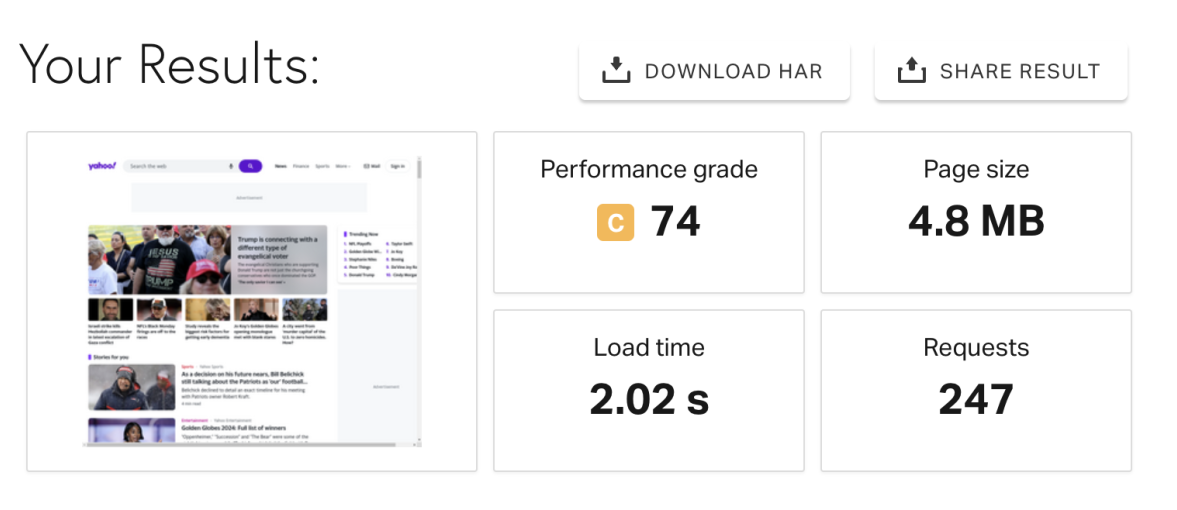
Compared to: Yahoo
Step one: resize
The average smart phone photo can be 4,000px wide, so I use a Photoshop action to make my images no wider that 1,600 pixels. But there are resizing options online: Birme.net and ImageResizer.com are both good – and take seconds.
Step two: compress
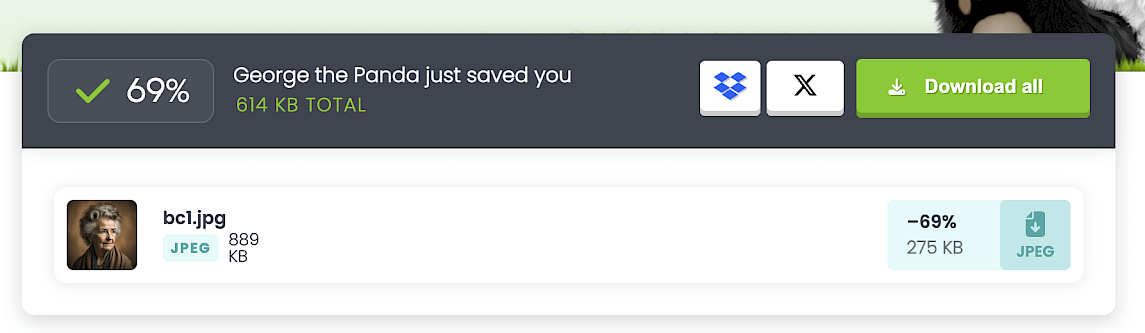
Best in Show goes to TinyPNG.com for the most compression power I've found, ease of use, and compressing up to 20 images at a clip with a free account.
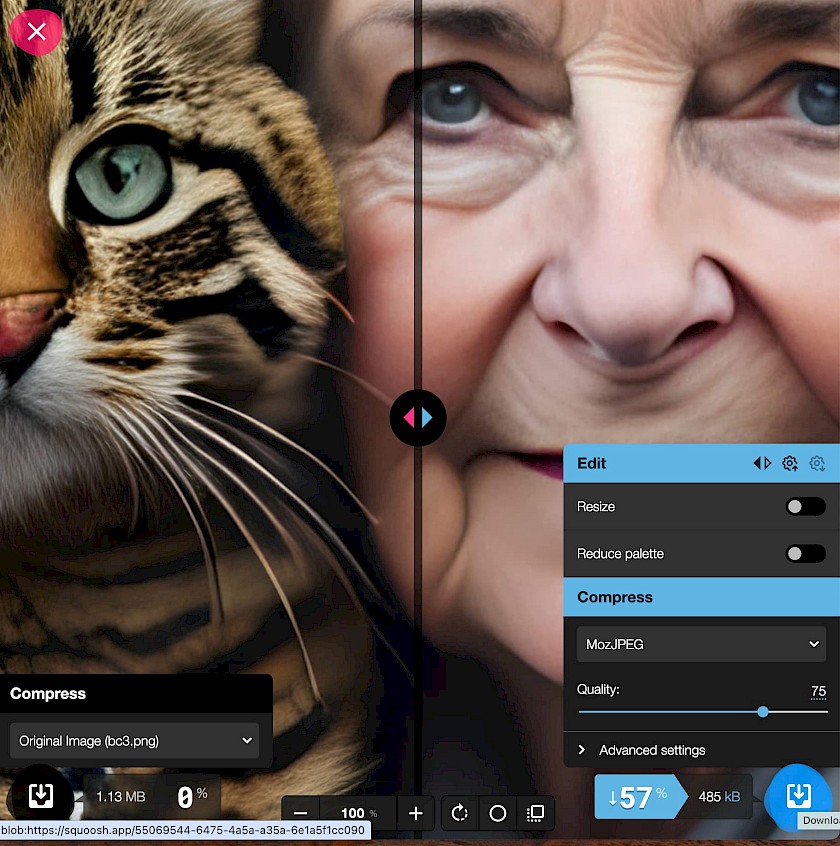
For just JPGs, with more side-by-side comparison/control, I like Squoosh.app for its fast and easy one-window processor.
Compressor.io also does a great job:
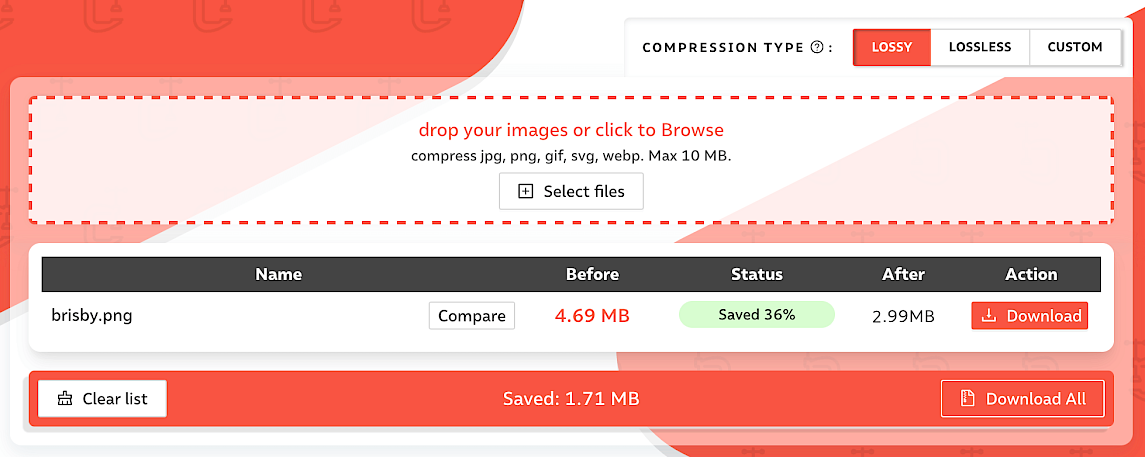
What can you save?

This photo by Jaanus Jagomägi on Unsplash was 4.7mb. When reized at Birme.net to 1600 pixels wide it dropped to 286k, and finally 218k once I ran it through TinyPNG.com. Time invested? About 30 seconds.
But I uploaded a big file and my website loaded just fine. I don't think it matters!
If you upload large images via your phone or laptop and look at your web page afterward and it loads quickly? It's loading the cached version of that file from your device. That's why it seems to load quickly. Likewise, social media websites have tons of high speed servers compressing everything constantly. Your Squarespace website does not.
Fun fact: you can compress images more than once. The next round will save a few more bytes.
Grab a copy of my Pocket Webmaster: The Ultimate, Must-Have, Quick Reference Guide for Anyone Who Manages a Website